

Master Planner Premium and manage projects in Microsoft 365
Learn to organize sprints, schedules and portfolio in one place, combining agile, waterfall and hybrid practices with Copilot, in hands-on training applied to real projects.
How many PDUs this course earns
- In person or in-company: 8 hours = 8 PDUs
- Live remote: 4 hours = 4 PDUs
Under PMI rules, each hour of training is worth 1 PDU, in the Ways of Working category. For in-company classes, the contracted hours apply.
To report them, use the GEPROQ certificate with the course hours in PMI's PDU system (CCRS), under Education → Course or Training. The PMP requires 60 PDUs every 3 years.
Get priority for the next class
Check the terms and be the first to know when dates are set.
Secure my seatPrefer to talk? Chat with a specialist on WhatsApp.
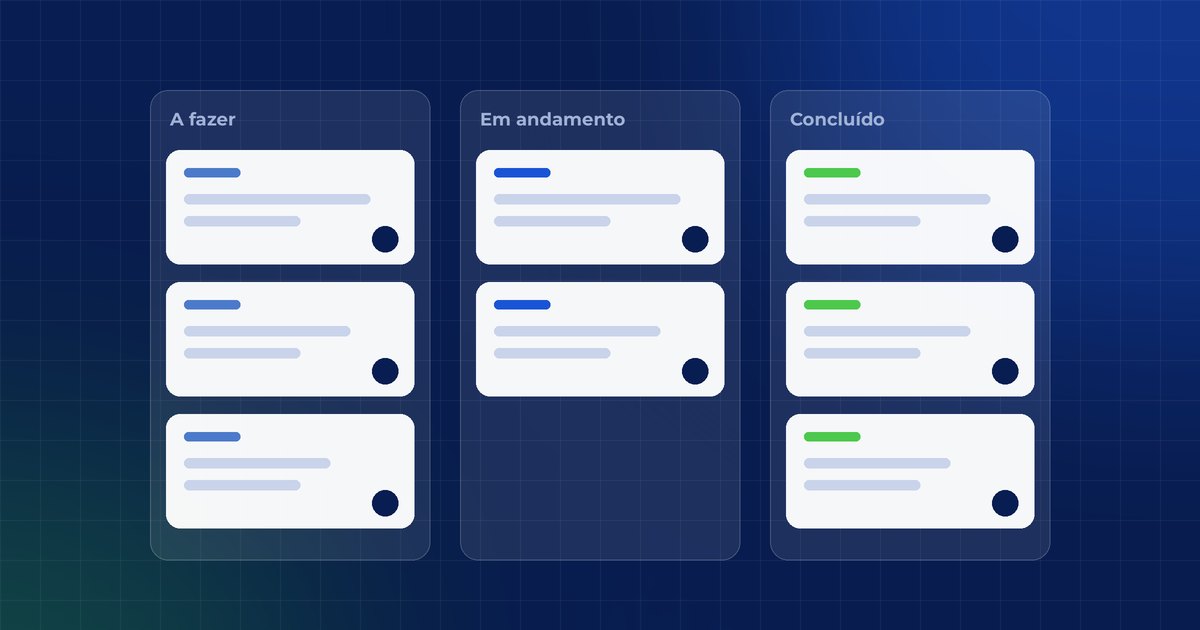
To do
In progress
Done
- Project management specialists
- Hands-on with Planner Premium and Project
- Integrated with Microsoft 365
- Agile, waterfall and hybrid
Who it is for
- Project managers
- Coordinators
- PMO and governance
- Organizations modernizing their management
Formats
- In person8h · Classes in Belo Horizonte
- Live remote4h · Live on Microsoft Teams, from anywhere in Brazil
- In-companyPrivate class, in person or remote, anywhere in Brazil
By the end of the course, you will be able to
Create plans in Planner Premium with tasks, phases, deliverables and milestones, integrated with Teams and Outlook.
Apply predictive, agile (sprints) or hybrid management in the same environment.
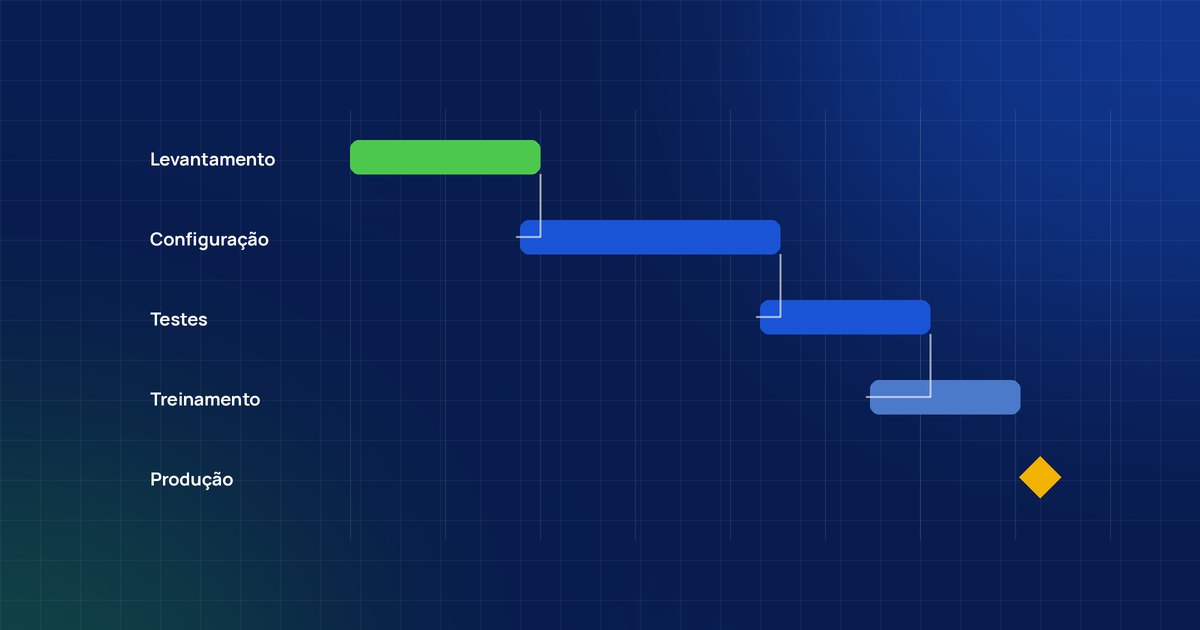
Define dependencies, identify the critical path and track variances against the baseline.
Use status models and control cycles to know how each deliverable is doing.
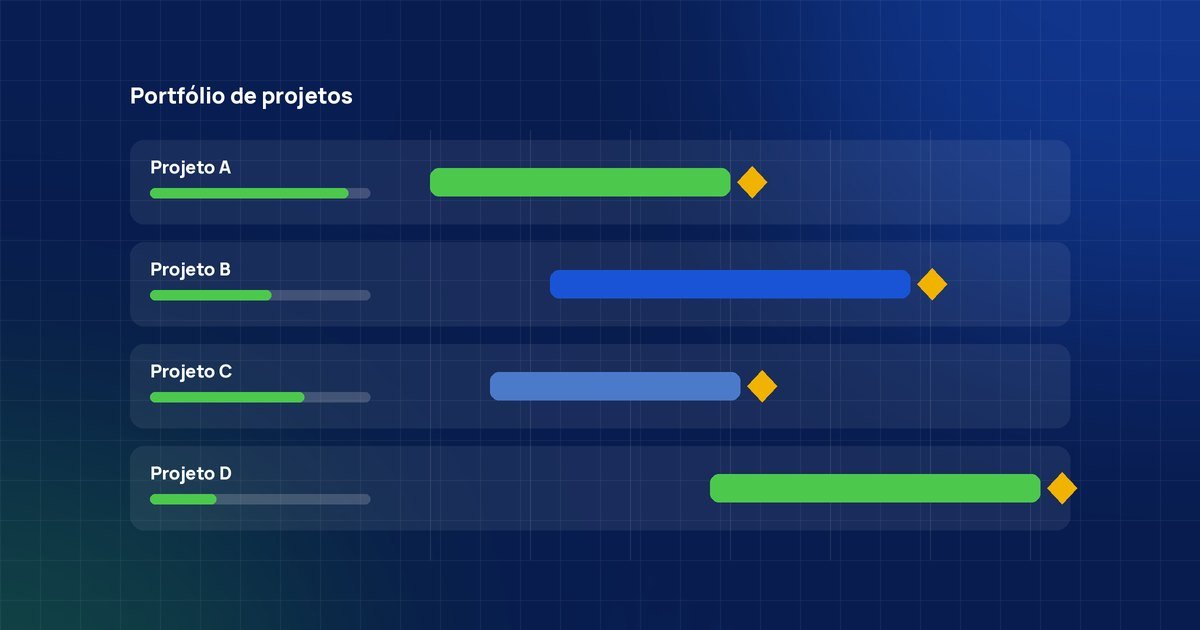
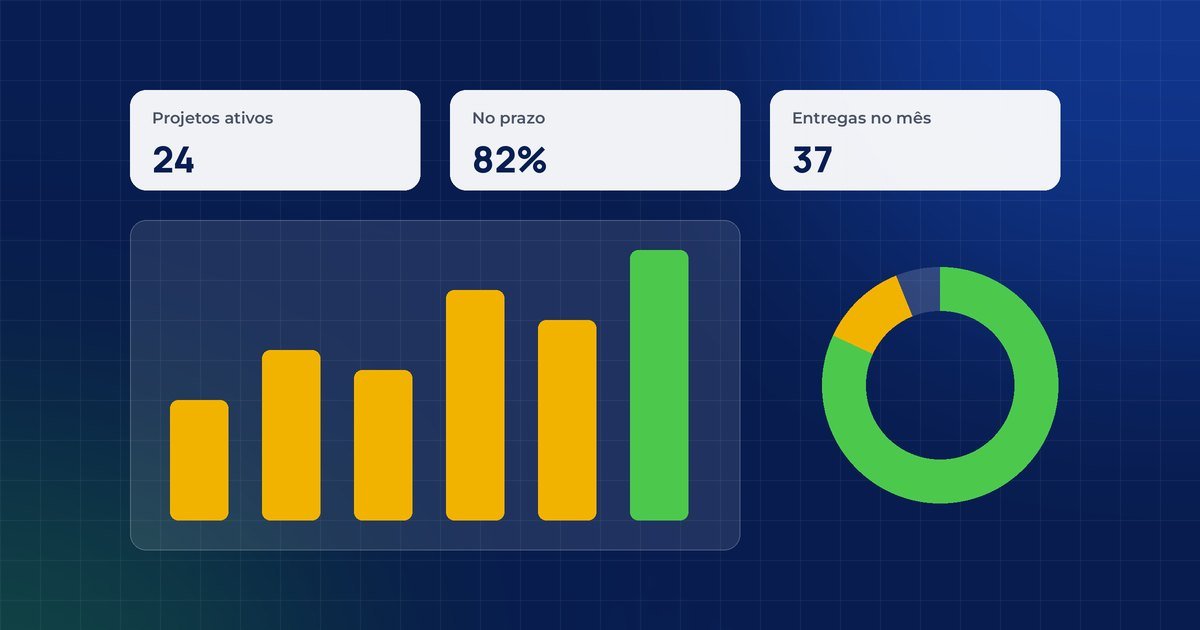
Get an integrated view of projects, teams and priorities to decide based on the plan.
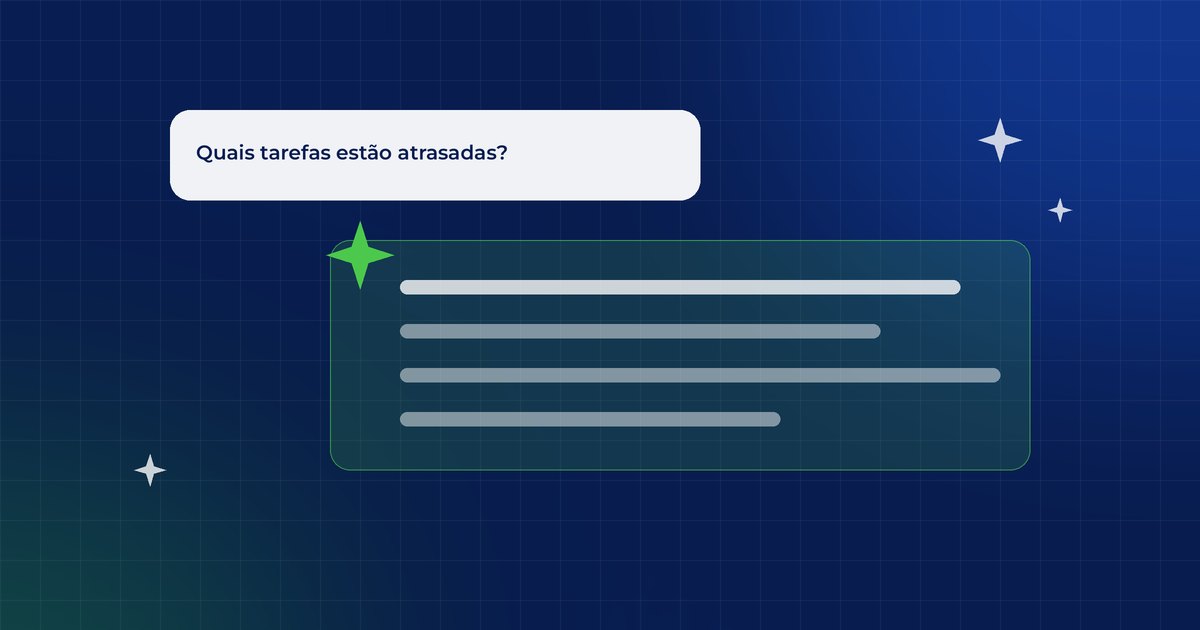
Use Copilot agents to review the plan and automate tasks, and bring the data into Power BI.
Want to know if the course fits your goals?
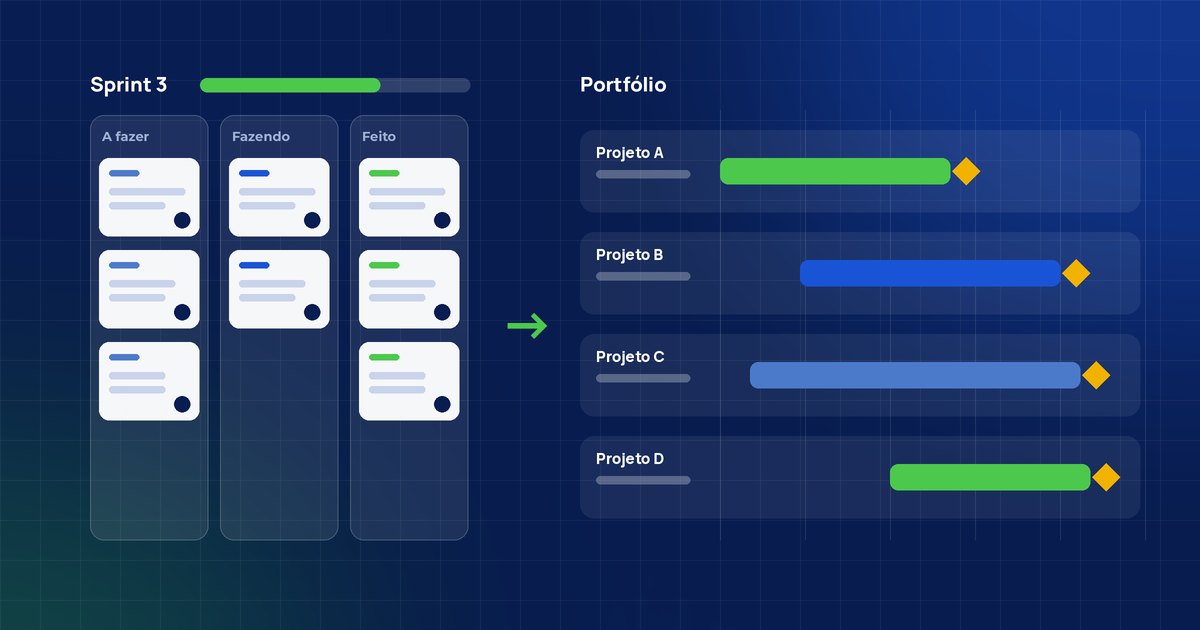
Talk to our consultantsFrom the team board to the management portfolio
You build the project step by step, just as you would at work.
What you will learn, module by module
Each module combines concepts and practice applied to real projects.
01Fundamentals of project, program and portfolio managementConcepts, roles and portfolio structureFoundation
- Essential project management concepts
- Portfolio, program and project structure
- Roles, responsibilities and work organization
- Planning driven by objectives, deliverables and value
- Introduction to Microsoft Planner Premium
02Complete planning in Planner Premium and ProjectPlan, deliverables, deadlines and baselinePlanning
- Creating and configuring plans in Planner Premium
- Organizing tasks, phases, deliverables and milestones
- Setting deadlines, owners and priorities
- Building the timeline
- Creating the baseline for project control
03Execution, control and monitoringProgress, status and variancesControl
- Hands-on project execution in Planner Premium
- Tracking activity progress and status
- Status models and control cycles
- Variance analysis against the baseline
- Controlling deliverables throughout the project lifecycle
04Predictive, agile and hybrid managementWaterfall, sprints and hybrid modelApproaches
- Predictive management (waterfall) in Planner Premium
- Sprint-based planning and tracking (agile management)
- Combining approaches in hybrid management
- Choosing the right method for each type of project
- Best practices for adapting Planner to different models
05Critical path, dependencies and integrated viewDependencies and impact of delaysPlanning
- Task dependencies
- Identifying and analyzing the critical path
- Impact of delays and planning adjustments
- Integrated view across projects, teams and priorities
- Planning-based decision support
06Advanced features, Copilot and integrationsCopilot, Teams, Power BI and ProjectInnovation
- Intelligent agents (Copilot) in Planner Premium
- Support for planning, reviewing and adjusting the project
- Task automation and progress analysis
- Integrations with Teams, Outlook and Power Apps
- Integration with Microsoft Project and Power BI
- Practical application in day-to-day work

In person, live remote or in-company
In live remote classes on Microsoft Teams, the instructor guides each exercise in Planner Premium and Project. There are also in-person classes in Belo Horizonte and in-company classes, in person or remote, anywhere in Brazil.
To get the most out of it, have a computer with Microsoft 365 access. If needed, we help you set up Planner Premium before the course starts.
Train the whole team, with content tailored to your reality
This course is also offered in-company: a closed class for your company's professionals, in person (at your office or in our room in Belo Horizonte) or remote, live, with dates and pace agreed with you.
Request a proposal for my companyExamples and exercises built on your company's real projects.
At your office, in our room in Belo Horizonte or remote, live.
Schedule defined with you, respecting the team's calendar.
Volume pricing and corporate invoicing, with invoice and contract.
Leadership receives feedback on the group's performance and engagement.
A single point of contact, from the first alignment to post-course.
Questions about the course
Didn't find your answer? Talk to our team on WhatsApp.
Talk to our teamHow much does the course cost?
Conditions vary by format and number of participants. Fill in the form or chat on WhatsApp to receive the conditions for the next class.
What are the course formats?
In person, with classes in Belo Horizonte; live remote on Microsoft Teams from anywhere in Brazil; or in-company, a private class for your organization, in person or remote, anywhere in Brazil. The content is the same in every format. Workload: 8 hours in person and in-company; 4 hours live remote.
What is Microsoft Planner Premium?
It is an advanced Microsoft 365 solution for project and task management, with planning, tracking and collaboration features, integrated with Teams, Outlook, Power Apps, Project and Power BI.
Is this course for beginners?
Yes. The content starts from the fundamentals and progresses gradually to advanced features. We recommend having access to Planner Premium (license or trial); if needed, we help with the setup.
Do I need prior project management experience?
It is not required. Project management concepts are presented clearly and practically, so professionals at different levels can follow along.
Does the course cover advanced Planner Premium features?
Yes. The course explores the full use of Planner Premium, including advanced features, integration with other Microsoft 365 tools and support from intelligent agents (Copilot).
How is Copilot used in the course?
You use Copilot agents in Planner Premium to support creating and reviewing the plan, automate tasks and analyze project progress, always as support for the manager's decisions.
Does the course cover agile, waterfall and hybrid methods?
Yes. You learn to use Planner Premium for sprint-based tracking (agile), the waterfall model and the hybrid model, adapting the tool to each scenario.
Can my company book an exclusive class?
Yes. This course can be booked in-company, in person or remote, with content tailored to your industry, flexible dates and corporate invoicing with invoice and contract.
Save your seat or bring the course to your company
Choose your path: individual registration, an in-company proposal, a WhatsApp chat or a meeting with our team.